

1
Go to your Pull Zone
- From your Bunny dashboard, go to the left-hand navigation menu
- Click on CDN
- Select an existing pull zone or create a new one
2
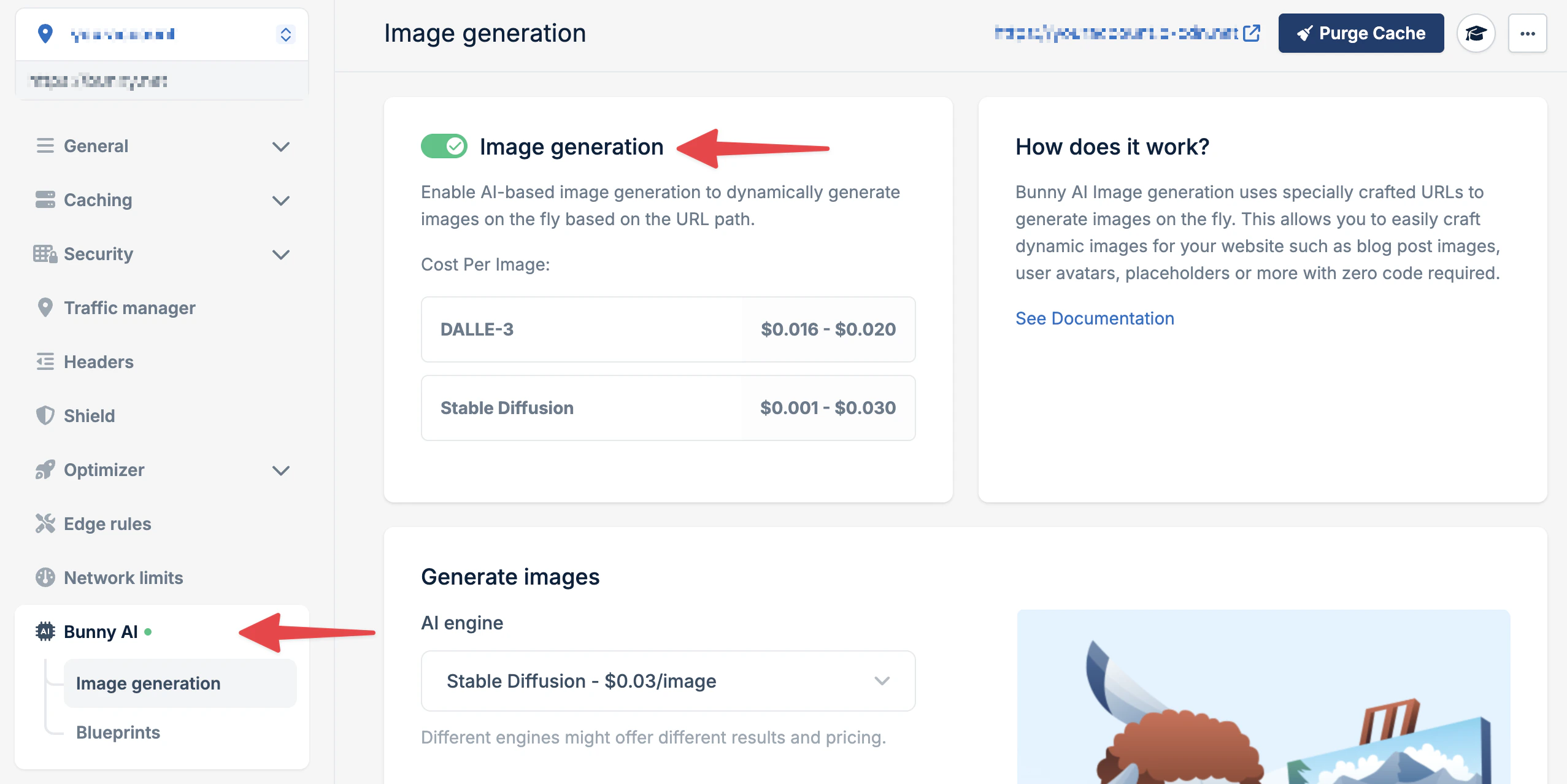
Enable AI Image Generation
- In your pull zone settings, navigate to Optimizer
- Scroll to Bunny AI Image Generation
- Toggle the feature to Enabled
- Click Save
3
Generate your first image
Construct a URL using this structure:Example:
The first request processes the generation (5-30 seconds depending on engine). Subsequent requests are served instantly from cache.
Authentication is handled automatically while using Image Generation inside
the dashboard.
4
Try different engines
Experiment with different AI models:
- DALL-E 2
- Stable Diffusion
Best for creative and abstract interpretations:Available sizes:
dalle-256, dalle-512, dalle-10245
Learn more
Reference
Explore all engines, blueprints, and advanced parameters
Pricing
Understand costs and optimize for your use case
Token Authentication
Implement secure URL generation in your application