> ## Documentation Index
> Fetch the complete documentation index at: https://bunnynet-cb9733c2-claude-slack-session-savj4.mintlify.site/llms.txt
> Use this file to discover all available pages before exploring further.
# Bunny AI Image Generation
> Generate unique images on the fly using AI-powered generative models
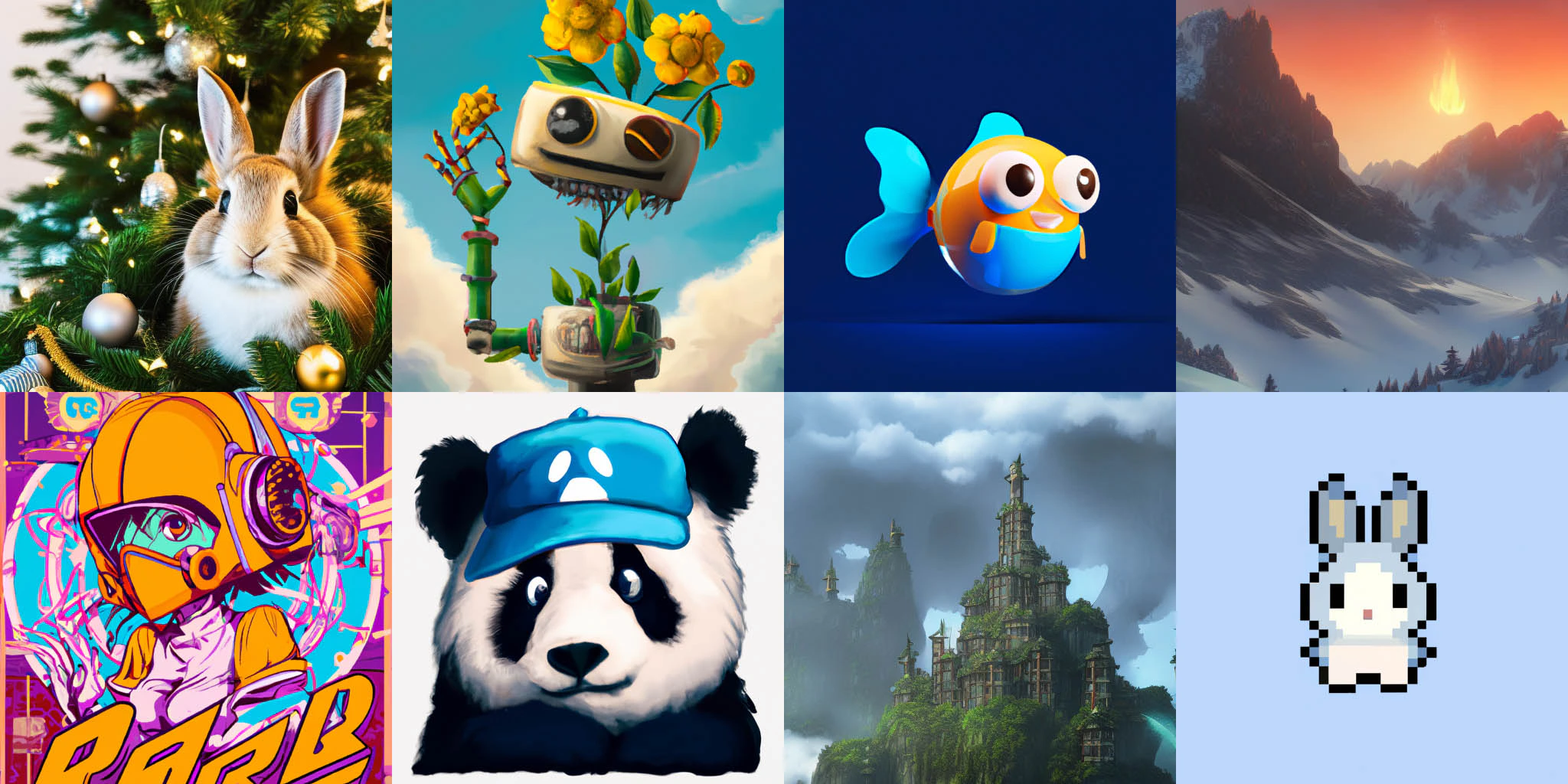
Bunny AI Image Generation provides a dynamic way to generate images on the fly using different generative machine learning models. Create unique, AI-generated images for user avatars, blog content, profile pictures, placeholder images, and more without storing multiple files.
 ## What's included
* **Multiple AI engines** including DALL-E 2 and Stable Diffusion models
* **Blueprint templates** for consistent styling across generated images
* **Automatic caching** at the edge for instant delivery after first generation
* **Token authentication** to prevent abuse and control costs
* **Dynamic Images API integration** for post-processing transformations
Enable AI Image Generation and create your first AI-generated image in
minutes.
Explore all available engines, parameters, blueprints, and advanced
configuration options.
Understand the pricing for each AI engine and optimize costs for your use
case.
## Use cases
**Dynamic user avatars:**
```http theme={null}
/.ai/img/dalle-256/avatar//.jpg
```
**Unique blog thumbnails:**
```http theme={null}
/.ai/img/sd21-512/blog-hero//.jpg
```
**Placeholder images:**
```http theme={null}
/.ai/img/sd15-512/default/1/modern-office-workspace.jpg
```
**Product concept visualization:**
```http theme={null}
/.ai/img/dalle-1024/product-concept//.jpg
```
## How it works
After enabling Bunny AI on your Pull Zone, generate images by crafting URLs with a specific structure. The first request processes the generation and caches the result at the edge. Subsequent requests with the same parameters are served instantly from the global CDN cache.
All AI-generated images are automatically protected with [Token
Authentication](/docs/cdn-token-authentication-basic) to prevent abuse.
## What's included
* **Multiple AI engines** including DALL-E 2 and Stable Diffusion models
* **Blueprint templates** for consistent styling across generated images
* **Automatic caching** at the edge for instant delivery after first generation
* **Token authentication** to prevent abuse and control costs
* **Dynamic Images API integration** for post-processing transformations
Enable AI Image Generation and create your first AI-generated image in
minutes.
Explore all available engines, parameters, blueprints, and advanced
configuration options.
Understand the pricing for each AI engine and optimize costs for your use
case.
## Use cases
**Dynamic user avatars:**
```http theme={null}
/.ai/img/dalle-256/avatar//.jpg
```
**Unique blog thumbnails:**
```http theme={null}
/.ai/img/sd21-512/blog-hero//.jpg
```
**Placeholder images:**
```http theme={null}
/.ai/img/sd15-512/default/1/modern-office-workspace.jpg
```
**Product concept visualization:**
```http theme={null}
/.ai/img/dalle-1024/product-concept//.jpg
```
## How it works
After enabling Bunny AI on your Pull Zone, generate images by crafting URLs with a specific structure. The first request processes the generation and caches the result at the edge. Subsequent requests with the same parameters are served instantly from the global CDN cache.
All AI-generated images are automatically protected with [Token
Authentication](/docs/cdn-token-authentication-basic) to prevent abuse.